Digitizing
Why manual digitizing beats auto-punching for caps
Curved cap fronts punish lazy stitch files. Here's how hand-digitizing keeps lettering crisp.
Read article →ArtfulStitches turns your logo or artwork into clean, machine-ready embroidery files — manually digitized for flawless runs on caps, apparel, and patches. No auto-punching, no shortcuts.
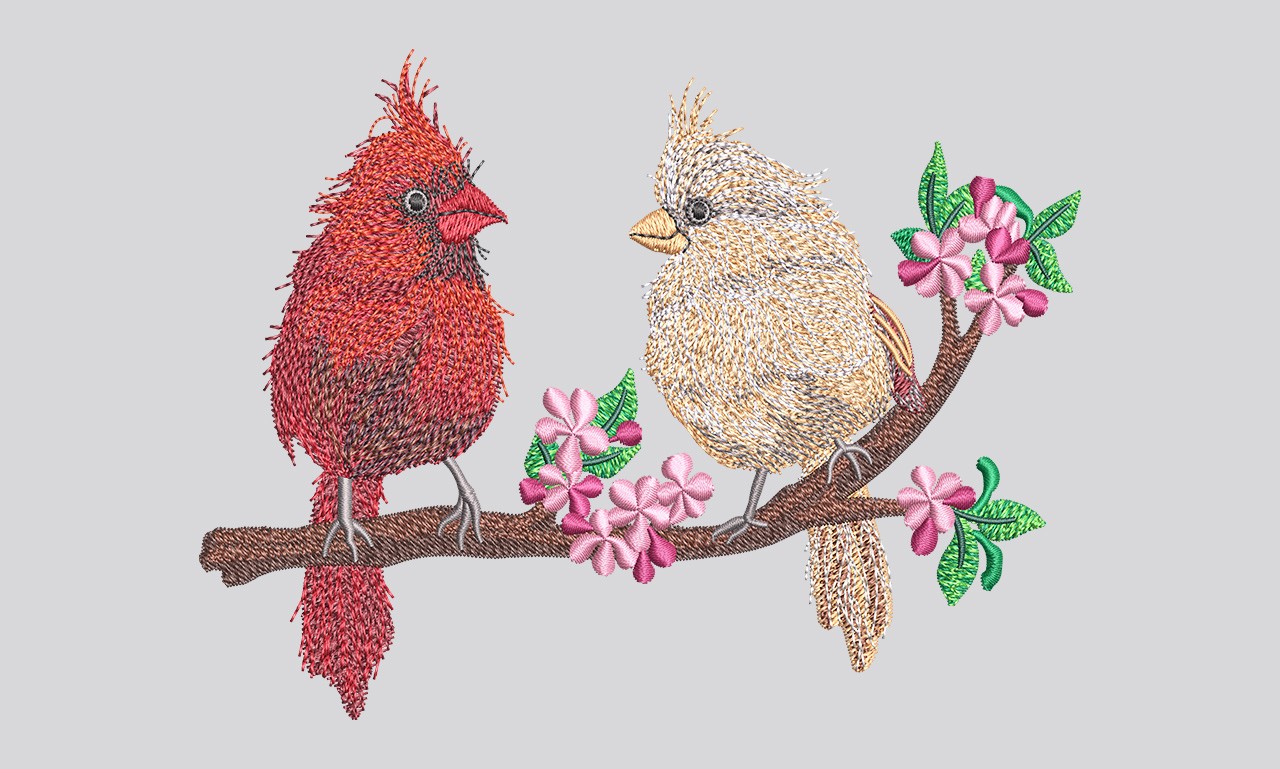
With over a decade behind the needle, we hand-digitize every file the traditional way — building stitch paths, push-pull compensation, and underlay by judgment, not software guesswork. The result runs smoothly on the machine the first time.
From thread to vector — pick a service to see formats, process, and what's included.
Logos, caps, left chest, jackets, patches, 3D puff, applique and monograms — punched by hand for clean runs.
View service →Pixelated artwork rebuilt as crisp, scalable vectors — clean curves and accurate color separation.
View service →Hand-redrawn line art and trace work, faithful to your original with print-perfect paths.
View service →Precise hand-drawn paths to cut out backgrounds and isolate subjects — clean edges, every time.
View service →Original, ownership-transferred logo design for brands and apparel — built in Adobe Illustrator.
View service →See exactly how it'll stitch before you run it — sew-out sheets and virtual previews on request.
View service →The original artwork on one side, the finished hand-digitized embroidery on the other. Every stitch type — satin, fill, run — plus underlay and pull compensation is mapped by hand so it sews crisp and clean.
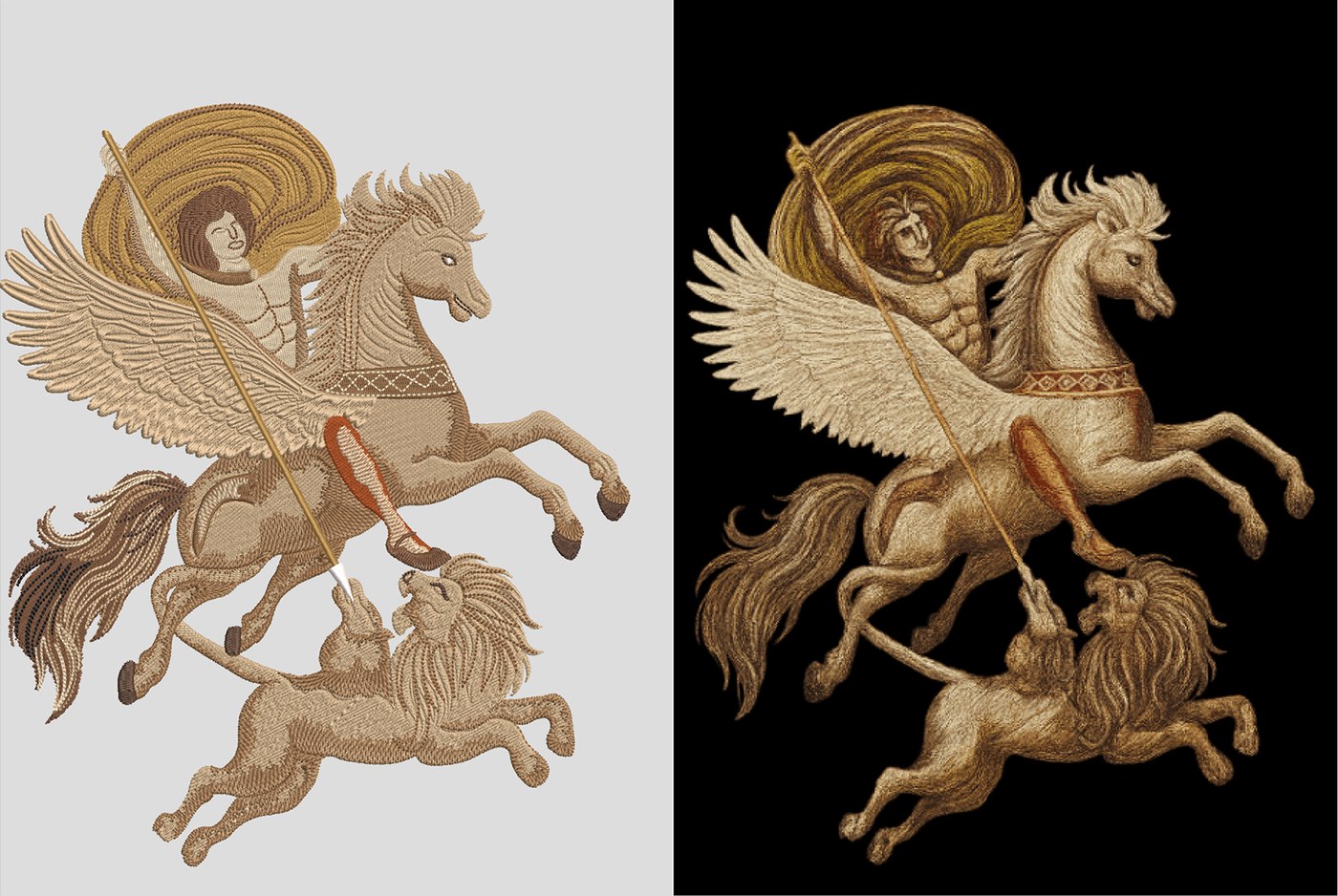
Every design is reviewed by an experienced digitizer for clean trims, smooth fills, and no thread breaks.
Standard delivery same-day to next-day. Rush work handled free when you're against the clock.
Real answers by email and chat with daily overlap on U.S. Eastern Time — revisions handled fast.
Embroidery: DST, EMB, PES, JEF, EXP, PDF stitch sheet. Vector: AI, EPS, SVG, PDF.
Every delivery includes complete commercial rights and copyright transfer. Your art stays yours.
Most of our work is repeat clients. We learn your preferences and keep your files consistent.
Example reviews shown — your verified client feedback will be added here.
“Clean digitizing and a fast turnaround. The cap file ran perfectly with no trims to fix on press.”
“Small lettering on the left-chest logo came out crisp. Exactly what production-ready should mean.”
“Reliable, communicative, and the files just work. Our go-to digitizing partner now.”
Free quotes, no obligation. Most files delivered same or next day.
We convert your logo or artwork into a hand-punched, machine-ready stitch file — optimized for the garment, the thread, and a clean run on the floor.
From a simple left-chest logo to a full jacket back, each file is built by hand with the right stitch types, underlay, and pull compensation for the fabric.
Tell us your machine and we'll send the exact format you need, plus a PDF stitch sheet with thread colors, sequence, and size.
Upload your logo with the garment, placement, and size. Any image format is fine.
We confirm price and turnaround — usually within the hour during overlap.
An experienced digitizer punches the file and reviews it for a clean run.
You get your machine format, a stitch sheet, and free edits if anything needs tweaking.
Hand-built vector artwork for print, screen, and embroidery prep — clean paths, accurate colors, and full ownership on every file.
Blurry or pixelated logos rebuilt as sharp, infinitely scalable vector art with clean color separation — ready for any size or process. Output: AI, EPS, SVG, PDF.
Hand-redrawn line art and trace work that stays faithful to your original — smooth curves, consistent weights, print-perfect paths.
Precise, hand-drawn paths to remove backgrounds and isolate subjects — crisp edges with no halos, ready for catalogs and product shots.
Original logo design built in Adobe Illustrator for brands and apparel — delivered as fully editable vectors with complete ownership and copyright transfer.
Approve the look before you commit thread. We can supply a sew-out sheet or a virtual preview so there are no surprises on the machine.
A proof shows stitch direction, density, color sequence, and final size. It's the fastest way to catch a tweak before it costs you a run.
A selection of recent hand-digitized designs — artwork converted to clean, production-ready embroidery.
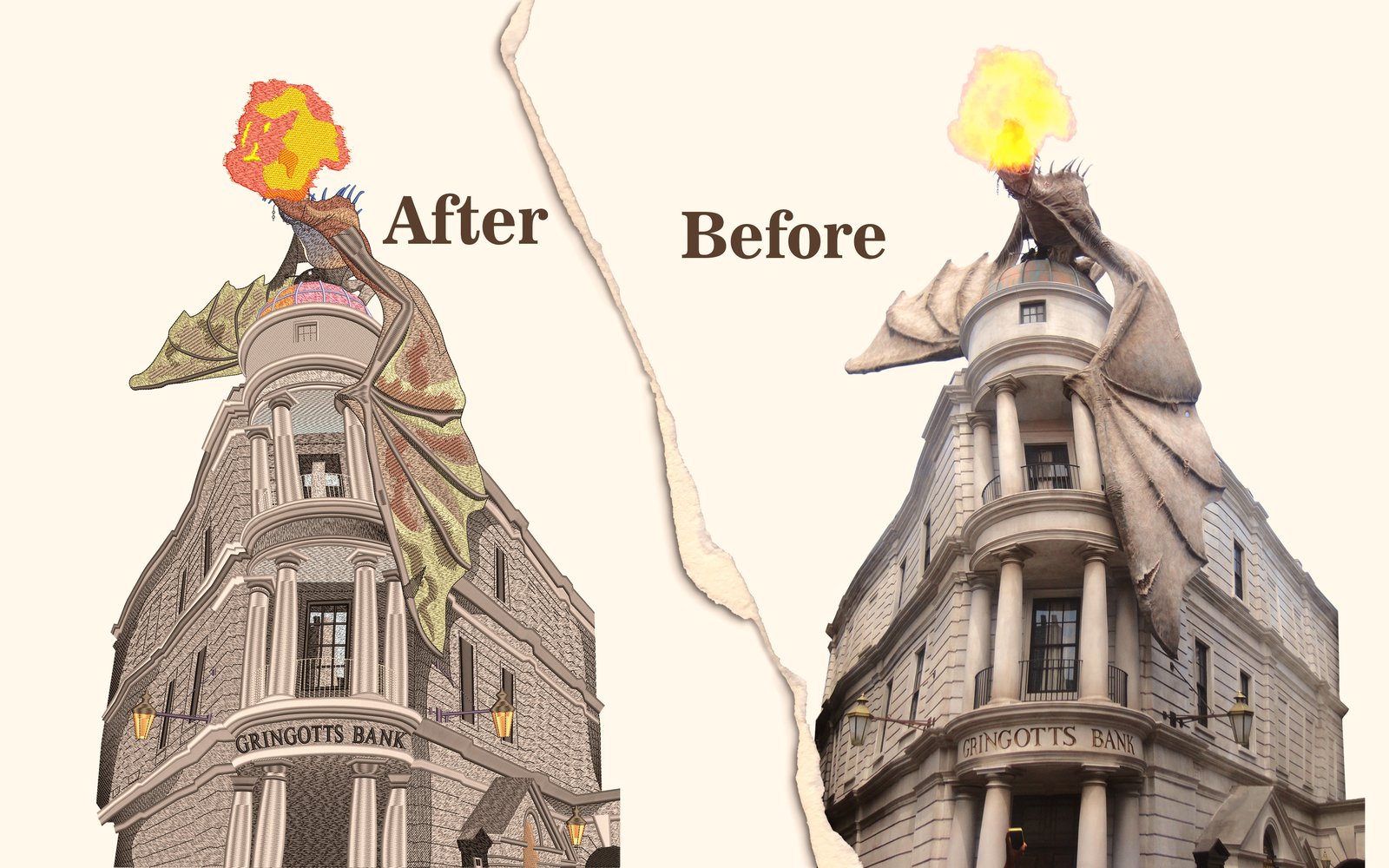
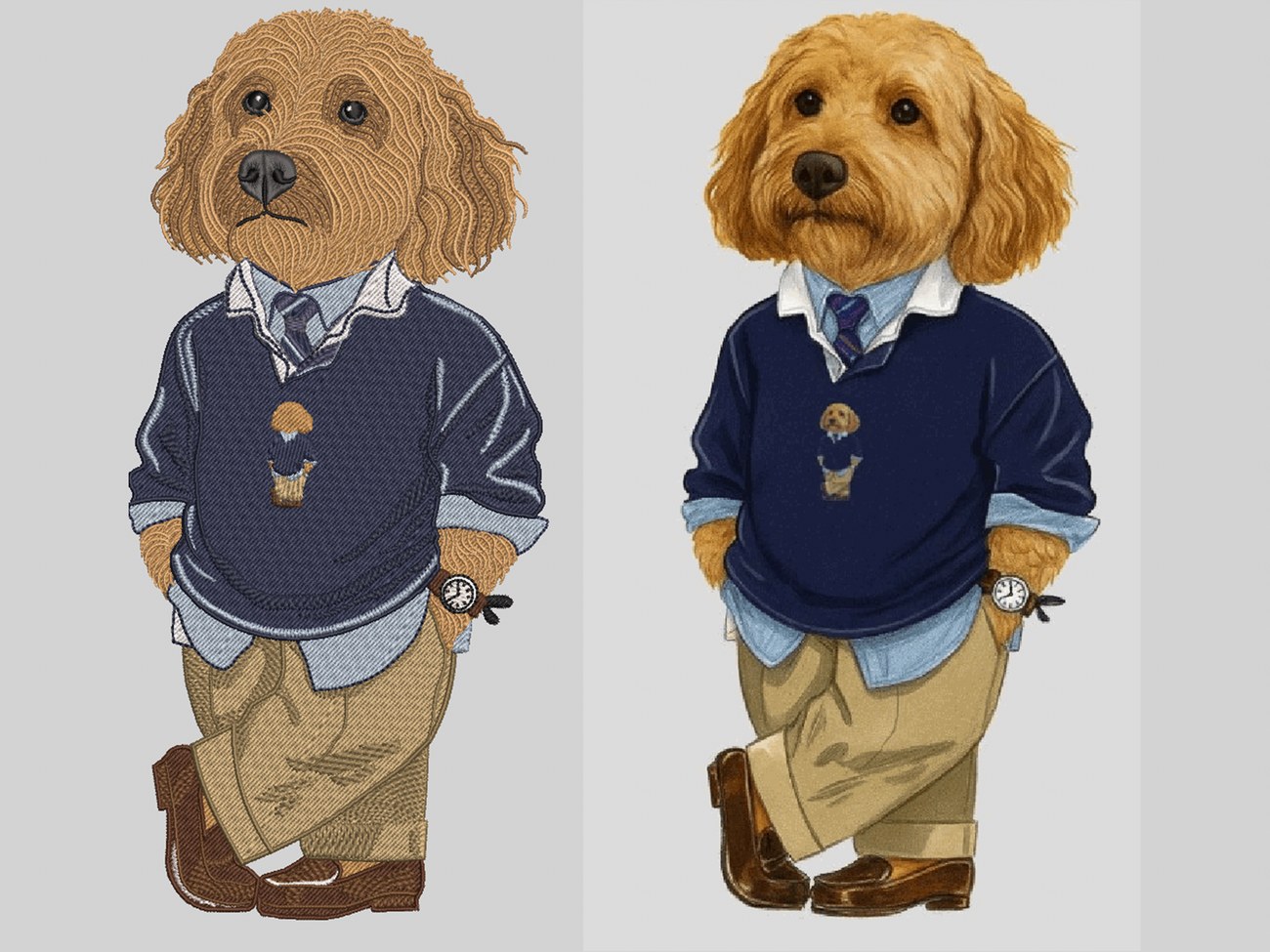
Flat-rate, per-design pricing — never hourly. The exact price depends on the design's size and complexity, so the best first step is a quick, free quote.
Every design is different, so the surest way to know your exact cost is a quick, free quote. Send your artwork before you place an order and we'll confirm the price up front — no obligation.
Most simple logos start at $5. Larger designs, jacket backs, and complex artwork are priced individually, and bulk or recurring orders get special rates. Send your artwork for a free quote and you'll know the exact price before you order.
Practical notes on digitizing, thread, and getting clean embroidery — written for shop owners and decorators.
Curved cap fronts punish lazy stitch files. Here's how hand-digitizing keeps lettering crisp.
Read article →From Pantone to spool: how we keep your logo colors consistent across every run.
Read article →A plain-English guide to the formats — and why the stitch sheet matters as much as the file.
Read article →Auto-digitizing software can trace a logo and produce a stitch file in seconds. On a flat T-shirt with simple shapes, the result is sometimes passable. On a cap, it almost never is. Caps are the toughest surface in embroidery, and they expose every shortcut an automatic file takes.
A cap front is not a flat panel. It curves left to right, it usually has a structured buckram backing, and many styles have a seam running straight down the middle. On the machine, a cap sews on a special cap frame that rotates the hat under the needle, so the design has to be built to sew from the bottom up and from the center out. Get that sequence wrong and the fabric shifts as the frame turns, throwing your letters out of registration before the design is even finished.
Cap embroidery has a minimum practical size for clean lettering — roughly a quarter inch (about 5–6 mm) tall for most fonts, with satin columns no thinner than about 1.5 mm. Below that, detail closes up and threads pile. A digitizer who knows caps will redraw, simplify, or resize text so it actually sews, instead of handing the machine letters that were only ever going to turn to mush.
Manual digitizing costs a little more up front and saves far more on the floor: fewer thread breaks, no gaps, no registration drift, and lettering that's sharp on the first sew-out. For caps especially, it's the difference between a sample you're proud to ship and one you re-run. When in doubt, choose a digitizer who builds cap files by hand — and ask to see a sew-out before a production run.
Send your artwork for a free quote — built by hand, sewn clean.
Brand colors are usually defined for ink — a Pantone number, a hex code, a CMYK build. Thread is a different animal: it's a physical, light-catching strand, and there is no single color standard shared across thread brands. Matching a logo to thread is a craft of its own, and doing it well keeps a brand looking consistent from the first cap to the thousandth.
Each thread manufacturer — Madeira, Isacord, Robison-Anton, Sulky and others — has its own numbered color card, and the numbers don't cross over. Isacord 0015 is not Madeira 1015. Most brands publish a Pantone-to-thread conversion chart, but those are approximations: they get you to the nearest shade, not an exact match. The safest practice is to pick the thread against a real, physical color card — never off a screen.
Monitors show color in RGB and are rarely calibrated, so the green on your screen is not the green that will land on the garment. On top of that, embroidery thread has sheen. The same color reads lighter or darker depending on the angle of the light and the direction the stitches run. That's why a digitized logo can look slightly different from its printed version even when the match is correct — and why a sew-out beats a screen approval every time.
Polyester thread (Isacord and similar) is colorfast and bleach-resistant, which makes it the right call for uniforms, workwear, and anything washed hard. Rayon has a softer, slightly brighter sheen that some clients prefer for fashion pieces. The two lines don't share identical color ranges, so choose the thread type first, then match the color within it.
Match it once, write it down, and a brand stays consistent across every garment and every reorder — which is exactly what good clients remember.
We'll spec the exact thread shades and keep them consistent across every run.
When a digitized design is delivered, it usually arrives as more than one file — and people often aren't sure which one matters. The short version: there are machine files that tell an embroidery machine what to sew, and working files that let a digitizer edit the design later. DST and EMB are the headline examples of each.
DST (the Tajima format) is the common language of commercial embroidery. It holds the raw stitches and machine commands — stitch, jump, trim, and color stop — and almost every commercial machine reads it. What it does not hold is just as important: a DST carries no thread colors and no editable objects. Colors are assigned at the machine, and the stitch types, angles, and underlay are baked in. You can scale a DST a little, but you can't truly re-digitize it.
EMB is the native format of Wilcom, the industry-standard digitizing software. It's an object-based "source" file that keeps everything: every stitch type, every parameter, the underlay, the color sequence, and full editability. The trade-off is that EMB is proprietary — it opens properly only in Wilcom, and machines can't sew from it directly. Think of EMB as the master you keep so the design can be edited or resized correctly down the road.
Beyond DST, most machine brands have their own stitch format, and many of these do store color information:
If you run one of these, ask for that exact format. If you're on a commercial Tajima-compatible machine, DST is usually the safe default — but it never hurts to confirm.
For production, get the stitch file your machine actually reads (DST, PES, JEF, EXP, and so on). If you ever expect to tweak or resize the design, also ask for the working file (EMB or the digitizer's native format) so it can be edited properly rather than rebuilt from scratch. And always get a PDF stitch sheet — it lists the thread colors, sew sequence, stitch count, and dimensions, so the operator threads it correctly and you can reorder it identically later.
A stitch file isn't truly scalable. Resizing a DST or PES by more than about 10–15% throws off the density — the stitches don't recalculate — and you get gaps or a stiff, over-stitched patch. For a meaningful size change, the design needs to be edited from the working file or re-digitized. It's cheaper to budget for that than to run a batch that doesn't sew clean.
Tell us your machine and we'll send the right file plus a full stitch sheet.
Settle an invoice quickly and securely. Enter your details and the agreed amount to complete payment.
Pay for a completed order or an approved quote. Payments are processed by a secure provider — no card details are stored on this site.
STRIPE_PAYMENT_LINK line in the page code — the Pay Now button will then send customers straight to secure Stripe checkout. Until then it shows a confirmation only.Tell us about your project and attach your logo. Free quote, no obligation, most replies within the hour during U.S. business overlap.
Manual embroidery digitizing & vector art for U.S. and worldwide clients.